
Close Requests
Close requests let you ask the ticket opener to confirm that their issue is resolved before the ticket is closed. The user sees Accept and Deny buttons in Discord.
Using Close Requests
From Discord
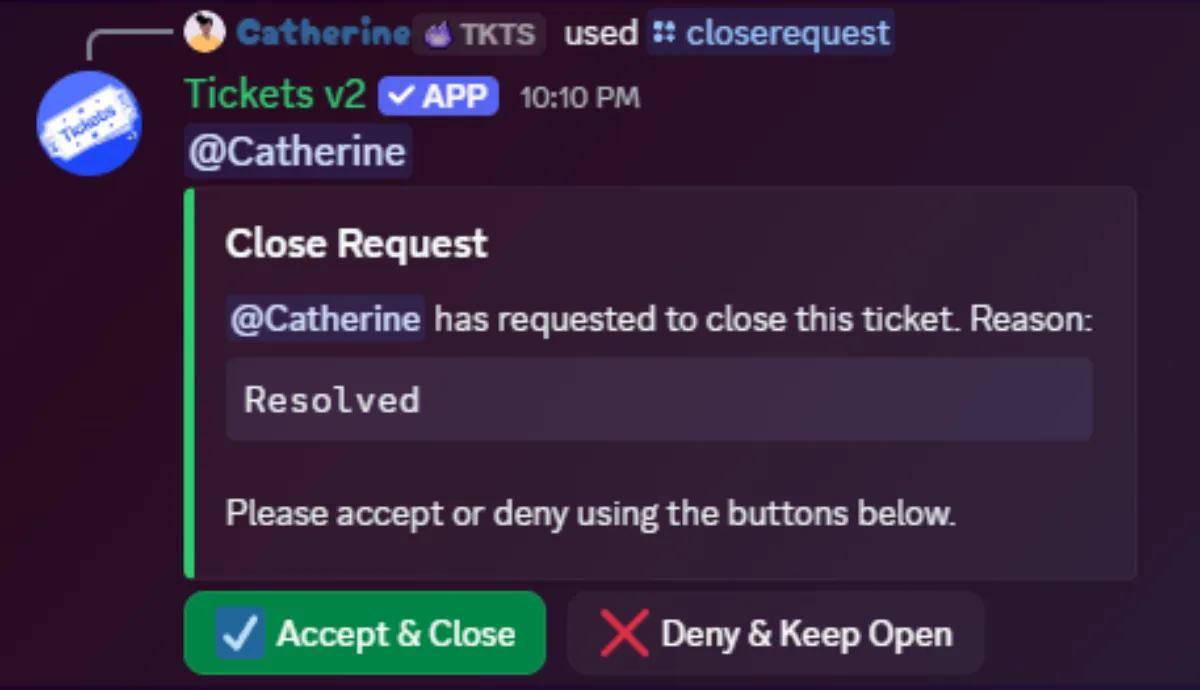
Use the /closerequest command inside a ticket. The bot sends an embed with Accept and Deny buttons to the user.
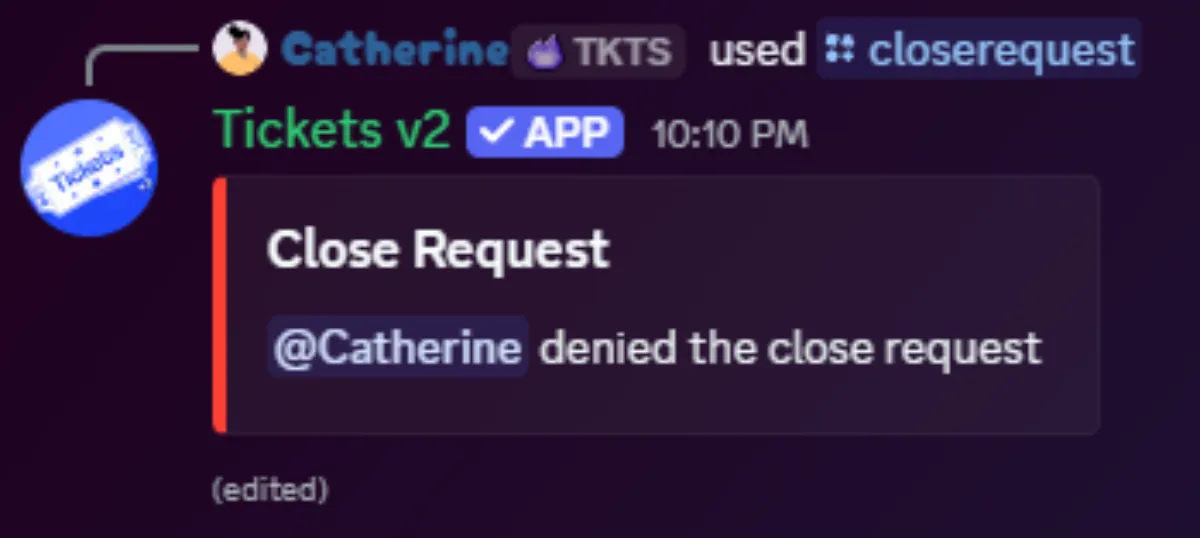
If the user denies the request, the message is updated to reflect their choice and the ticket stays open.
Close Delay
You can specify a time (in hours) after which the ticket closes automatically if the user has not responded. A reason can also be provided.

If no delay is specified, the ticket remains open until the user explicitly accepts or denies the request.
Excluded Tickets Ignore Delays
If a ticket is excluded from auto-close via /autoclose exclude, close request delays will not apply, even if provided.
From the Dashboard
You can also send close requests from the web dashboard:
- Individual tickets: open a ticket on the Tickets page and use the Send Close Request section. You can provide a reason and an auto-close delay in hours.
- Bulk: select multiple tickets on the Tickets page, expand the Bulk Actions section, and click Send Close Request. The same reason and delay options are available.